

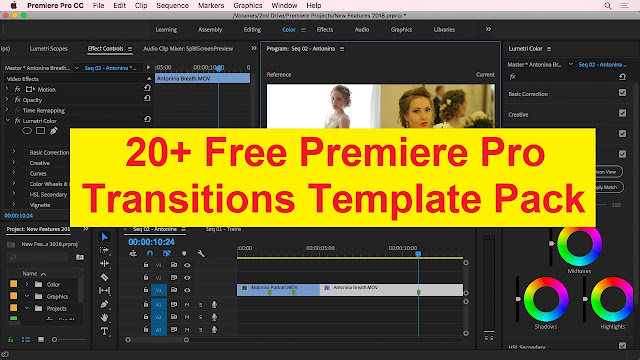
Adobe Premiere Pro is the one and only choice for video editors and vloggers to edit their videos for making them eye-catchy, addictive and interesting. This software from the house of Adobe products is really awesome and as everybody can use it easily, the presets and templates provided by hundreds of users for free could add to its beauty. Here we are offering our 20+ premiere pro transition presets and video templates that you can use for free.
Yes, you can use these awesome premiere pro template packs with preset files
and projects for your commercial and personal uses. Here are some details for
our Smooth Transitions Preset Pack of Premiere Pro and Templates:
- 3D Smooth Transition
- Film Roll In
- Film Roll Out
- Spin Smooth Transition
- Smooth Spin Clockwise
- Smooth Spin Counter Clockwise
- Blur Distortion
- Rotate Transition
- Split Screen Transition
- Smooth Zoom in
- Smooth Zoom Out
- Cross Spin In
- Cross Spin Out
- Smooth Whip Top Right
- Smooth Whip Bottom Right
- Lens Distortion In
- Lens Distortion Out
- Luma Fade In
- Luma Fade Out
- Smooth Slide Up
- Smooth Slide Down
- Smooth Slide Right
- Smooth Slide Left
- Strobe Effect Transition
- Warp Transition
- Upwards Twisted Transition
Free Transition Features:
- Drag and Drop Editing
- No Editing Knowledge Required
- One-Click Preset Application
- Ready To Customize Projects
- No Extra Plugins Required
- Works On All Premiere Pro Versions
Good for video resolutions of 4K, Full HD, and even your Instagram Story
video.
How to Download?
No more glitch here, just click on the download button below and enjoy your
20+ free premiere pro transitions template pack with projects and presets as
video templates:
How to use it?
- Download and Unzip the presets/project files
- Open your Premiere Pro software and create a new project
- Add two videos and then open files and select your transitions
- Drag and Drop between two videos you just uploaded
- Select and hide/delete the Transition preview video
- Export the final video
And for a professional touch, add a sound clip under the transition.
Download and enjoy this freebie from the AllBlogThings.com team, if you liked
it, share it with your friends and we will upload more freebies for sure.
NOTE: This Adobe Premiere Pro presets and templates as projects and transition
files are available here for educational purposes and if you think it is your
property, you can contact us and we will respond professionally.
